Schools in 2026: How Technology, AI, and Learning Design Are Changing Education
Published: June 17, 2026
Schools in 2026: How Technology, AI, and Learning Design Are Changing Education
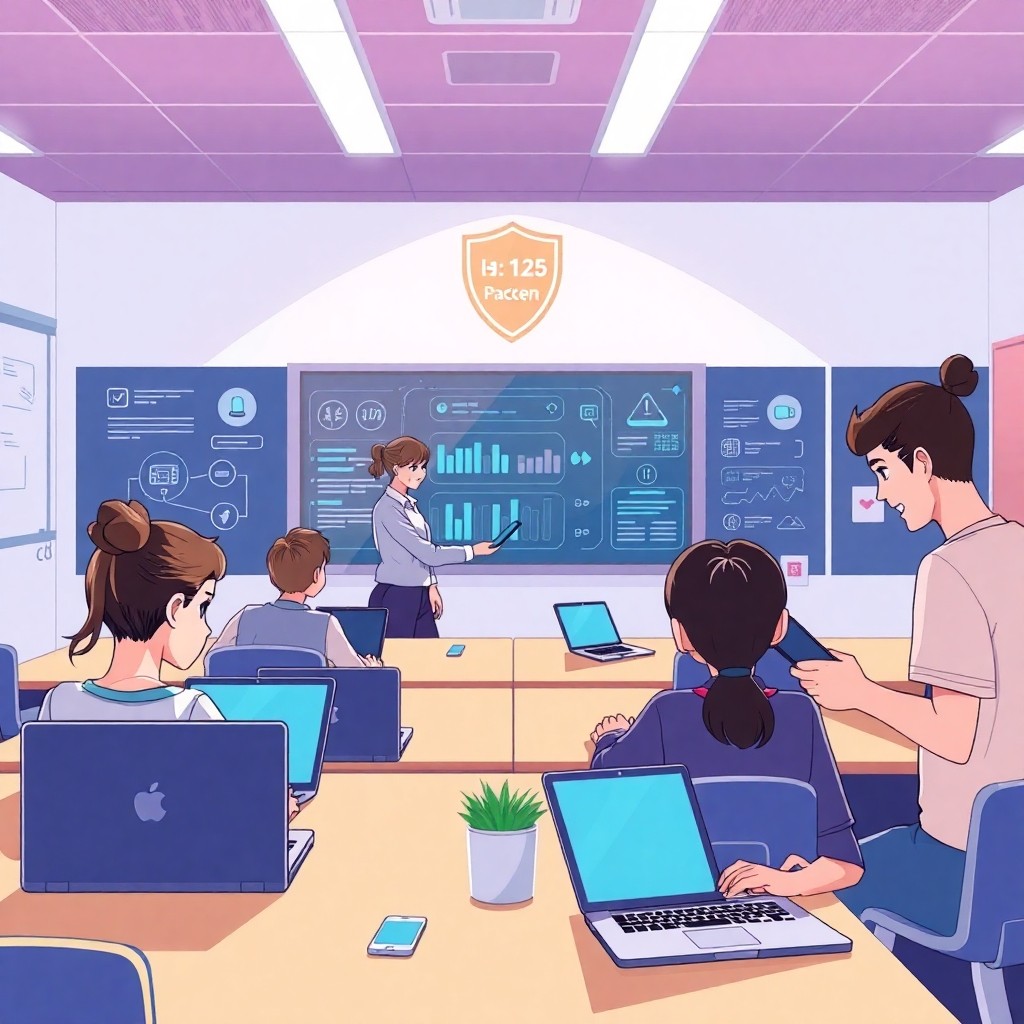
Schools have always evolved, but the pace of change in the last few years has been striking. In 2026, many districts are moving beyond “digital worksheets” toward full learning ecosystems—where platforms, data, accessibility tools, and responsible AI combine to support students, teachers, and families. The result is not just more screen time, but more personalized learning, more efficient classroom operations, and improved access for learners with different needs.
This guide explores what’s changing in schools, why it matters, and what to watch for—so educators, administrators, and parents can make smarter decisions.
---
1) Adaptive learning: moving from one-size-fits-all to learning pathways
Traditional schooling often assumes that most students can learn at the same pace in the same way. Adaptive learning tools challenge that assumption. By using short assessments, interaction data, and skill models, these systems can recommend next steps that better fit each learner.
In a modern school setting, adaptive learning may look like:
The best implementations don’t replace teachers—they support teachers. For example, teachers can use dashboards to identify which skills are most difficult, then group students strategically for small-group instruction.
**Key benefit:** students get practice where they need it, not just repetition of what they already mastered.
---
2) AI-assisted tutoring and feedback: faster support, better study habits
AI is increasingly used to provide feedback and tutoring-like support for students. Rather than waiting for a teacher to check every draft, learners can get immediate guidance on:
However, responsible use matters. Schools should emphasize:
A strong approach is to treat AI as a “practice partner” that helps students iterate. Teachers can design assignments where students must explain how they used feedback, what they changed, and what they learned.
---
3) Teacher workflow automation: less admin time, more teaching time
Many educators spend large amounts of time on administrative tasks—planning, grading logistics, scheduling, communication, and documentation. Technology can reduce this burden when implemented thoughtfully.
In 2026, schools often leverage tools to streamline tasks such as:
The goal should be clear: **free up teacher time** for instruction, mentoring, and relationship building.
---
4) Digital classrooms and learning platforms: everything in one place
Modern schools increasingly rely on learning management systems (LMS) and integrated platforms. Instead of scattered logins and disconnected tools, districts aim for a more cohesive experience.
A connected education setup may include:
When done well, students spend less time “figuring out the system” and more time learning. When done poorly, platforms can create confusion and tech fatigue—so usability and training are critical.
---
5) Data-driven instruction—without losing the human element
Data helps schools understand what students know and where they need support. But data should guide instruction, not replace it.
Effective data practices include:
Importantly, schools must also protect students’ privacy. Policies should clarify what data is collected, who can access it, and how long it’s retained.
---
6) Accessibility and inclusion: technology that supports every learner
Inclusion isn’t only a policy—it’s a design requirement. Learning tools can help students with disabilities and diverse learning needs.
Common accessibility features in modern tools include:
Schools that prioritize accessibility see benefits beyond students with documented needs; many learners struggle with comprehension speed, attention, or language barriers. Inclusive design supports the whole classroom.
---
7) Cybersecurity, safety, and responsible tech governance
As schools use more online tools, risk management becomes essential. Students, devices, and data must be protected from threats.
Key security practices include:
Additionally, districts should adopt an AI governance plan—defining acceptable use, evaluation criteria, and escalation paths when outputs are incorrect or harmful.
---
8) What parents and students should look for
If you’re evaluating school technology initiatives, consider asking:
A good system is transparent and educational—not just flashy.
---
Conclusion: The future of schools is personalized, connected, and responsibly governed
Schools in 2026 are becoming more adaptive, interactive, and data-informed. AI tutoring and automation can help students learn faster and support teachers in planning and feedback. But technology only improves education when it’s designed around learning goals, accessibility, and safety.
The most successful schools treat digital tools as part of a broader learning strategy—one that strengthens relationships, improves outcomes, and gives every student a fair chance to thrive.